
Leave a Google review without an account – is that possible?
- Authenticity of reviews
- Fake reviews
Set up in no time and ready to go!


Would you like to leave a Google review? But what if you do not have a Google account or do not want to use it? In this article, we clarify whether you can write anonymous Google reviews and what alternatives there are.
In brief: Google reviews without an account?
- A Google review is only possible with a Google account.
- Google requires you to sign in to prevent fake reviews and ensure authenticity.
- Signing in prevents abusive reviews and ensures that reviews come from real users.
Do you need a Google account to leave a review?
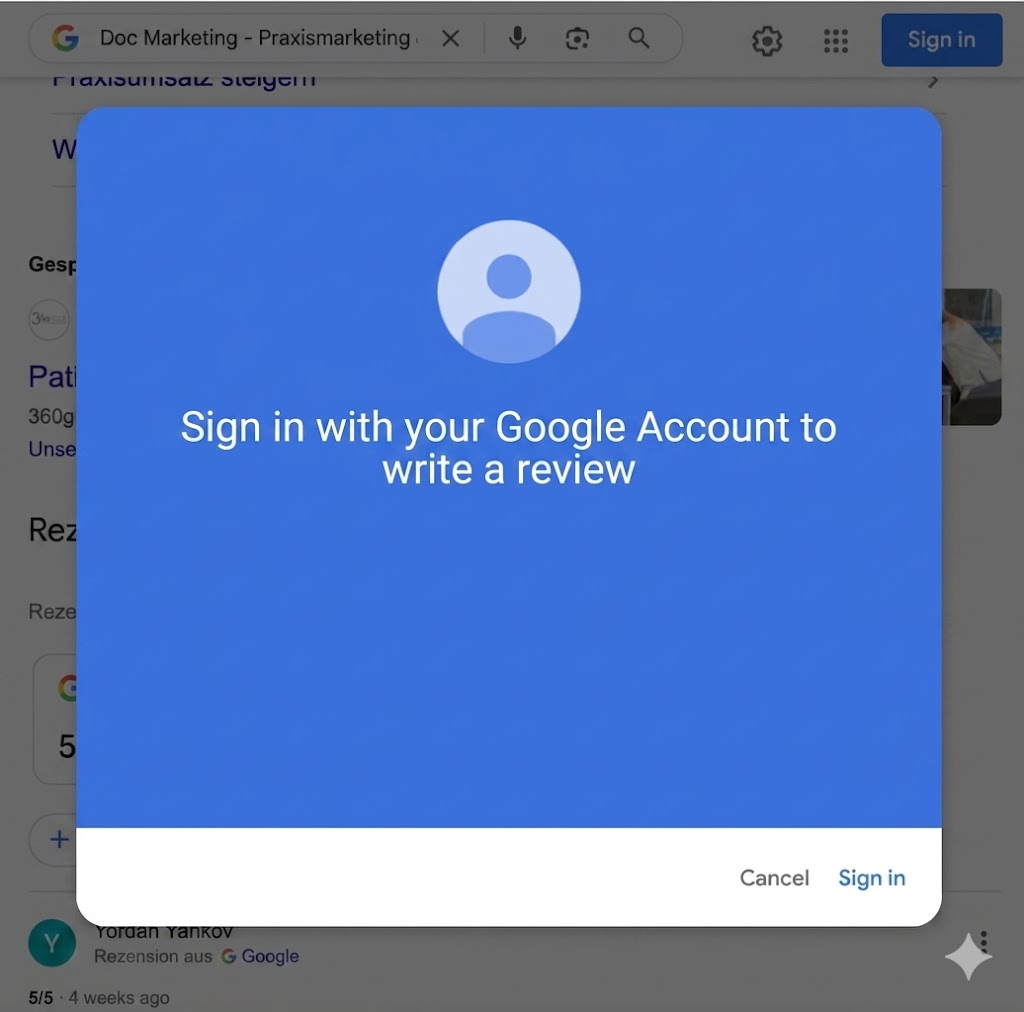
The short and clear answer is: Yes, a Google account is mandatory. At present, it is technically not possible to publish a Google review without signing in to a Google account.
But why is Google so strict about this?
The main reason is spam protection. By requiring an account, Google ensures that there is a verifiable person behind every review. This makes it harder to use bots or mass fake reviews that would undermine the system’s credibility. Linking reviews to an account also serves accountability: if a review violates guidelines or is legally relevant, Google can identify the author. You can find more details in our article: How do Google reviews work?.
Anonymous Google review – is that possible?
Many users want to leave an anonymous Google review to protect their privacy. Officially, Google does not offer a feature for “anonymous reviews.” By default, the name and profile picture stored in your Google account are always displayed.
However, there is a legal “workaround”: Google allows the use of pseudonyms. In your Google account settings, you can replace your real name with a made-up name. In that case, only your pseudonym will appear with the review.
Important: Even if other users cannot see your real name, the review remains linked to your account internally.
Limits of anonymity: In legal disputes, Google may, under certain circumstances (e.g., a court order), be required to disclose the identity behind the pseudonym
What alternatives are there to leaving a Google review without an account?
If you absolutely do not want to create a Google account, there are other platforms with lower barriers to leaving feedback.
Trustpilot: Here, a simple email verification is often enough to leave a review. A permanent user account is not always strictly required.
Proven Expert & Yelp: These portals also sometimes offer easier access, although the trend here, too, is toward stronger verification.
ReviewBird: For businesses, ReviewBird offers an elegant solution. With our tools, companies can generate direct review links that simplify the process as much as possible
Create a Google account in 3 minutes – it is that easy
Since an account is required for Google reviews anyway, the quick setup is worth it. It usually takes less than three minutes:
Visit the Google account creation page.
Enter a name (or your pseudonym) and a date of birth.
Choose a Gmail address or use your existing email address.
Set a secure password and confirm SMS verification.
Once the account is active, you can get started right away. You can find detailed help here: Step-by-step guide: Leaving a Google review.
Conclusion
In summary: leaving a Google review without an account is technically not possible. However, the sign-in requirement serves quality assurance and protection against manipulation. If you want to remain anonymous, you can use a pseudonym or use alternative platforms.
Are you a business owner and want to make it as easy as possible for your customers to leave feedback? With ReviewBird, you can optimize your review management and efficiently collect more stars. Ask customers for Google reviews now.
ReviewBird: for more Google reviews
Nothing works better than an automated SMS review request—sent exactly 30 minutes after the appointment, at the peak moment of satisfaction.
With ReviewBird you can get up to 10x more genuine Google reviews—no fakes, no extra effort.
FAQ
Can I leave a Google review without an account?
No, a Google account is mandatory to leave a Google review. Google uses account verification as spam protection. However, creating an account only takes a few minutes.
Can you review anonymously on Google?
Not in the strict sense. The name from the Google profile is displayed. However, you can set a pseudonym in your Google profile to protect your identity.
Which review platforms allow reviews without an account?
Platforms such as Trustpilot allow reviews with simple email verification. Proven Expert and Yelp also have lower entry barriers than Google.
Can you see who wrote a Google review?
Yes, the reviewer’s profile name and profile picture are publicly visible. However, the email address is not displayed. If you have made a mistake, you can edit your Google reviews.
As a business, how can I make it easier for customers to leave reviews?
With tools like ReviewBird, you can create direct review links that take customers to the review form in just a few clicks—without cumbersome searching.

Founder, Managing Director, ReviewBird
Timothy Scherman is an experienced SEO expert and digital marketing consultant with over ten years of expertise in online marketing. As the founder of Doc Marketing, he helps doctors and medical facilities increase their visibility and successfully attract new patients.
Founder, Managing Director
ReviewBird


